Wearables guide
Apple Watch Digital Crown Stuck or Unresponsive
Distinguish a stiff Digital Crown from software or touch issues and prepare an Apple Watch repair enquiry safely.
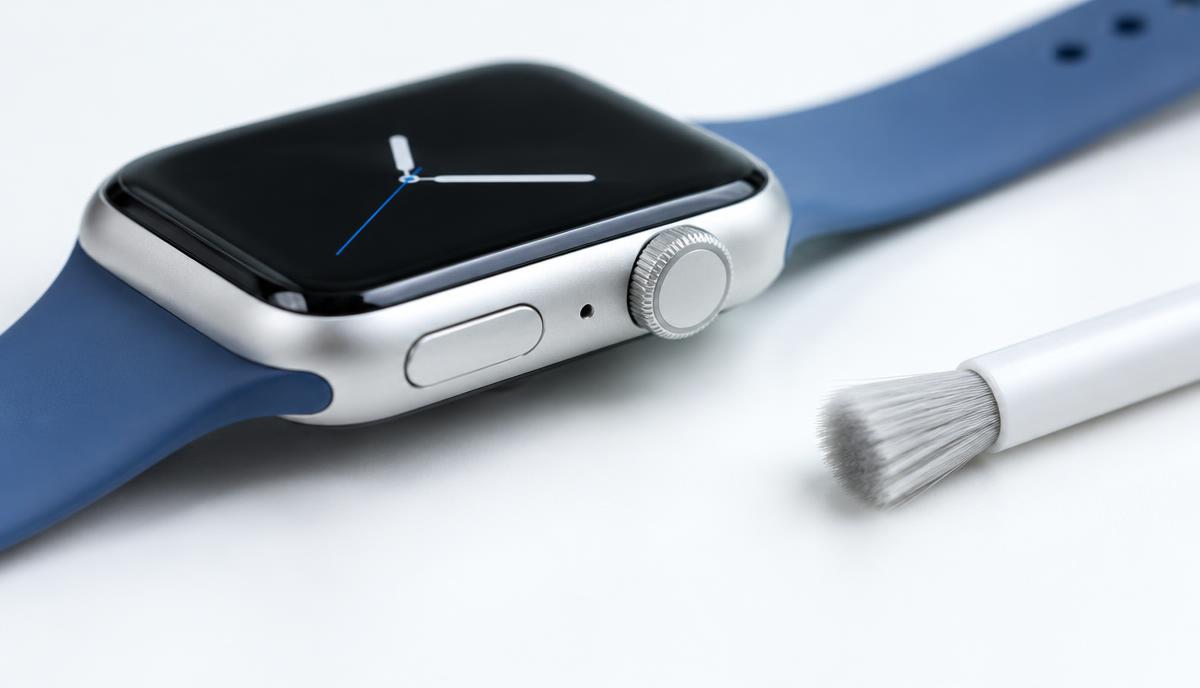
The Digital Crown provides physical rotation and button input. A Crown that feels stiff is a different symptom from one that rotates normally but does not control the watch.
What the symptoms can mean
Debris, impact damage, software issues or internal faults can affect Crown behaviour. Note whether the side button and touchscreen respond, and whether the problem started after a knock or moisture exposure.
What to do next
Remove accessories pressing against the Crown and restart the watch if its controls allow it. Follow Apple’s cleaning instructions for your model. Do not apply oil, solvent or force to free a stuck control.
Be cautious around a damaged watch
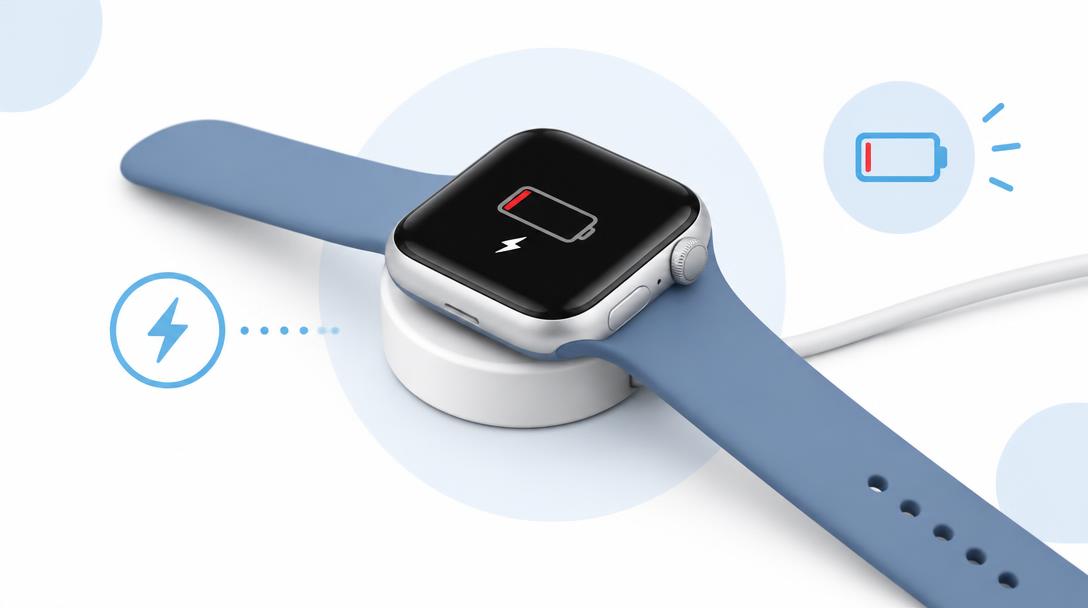
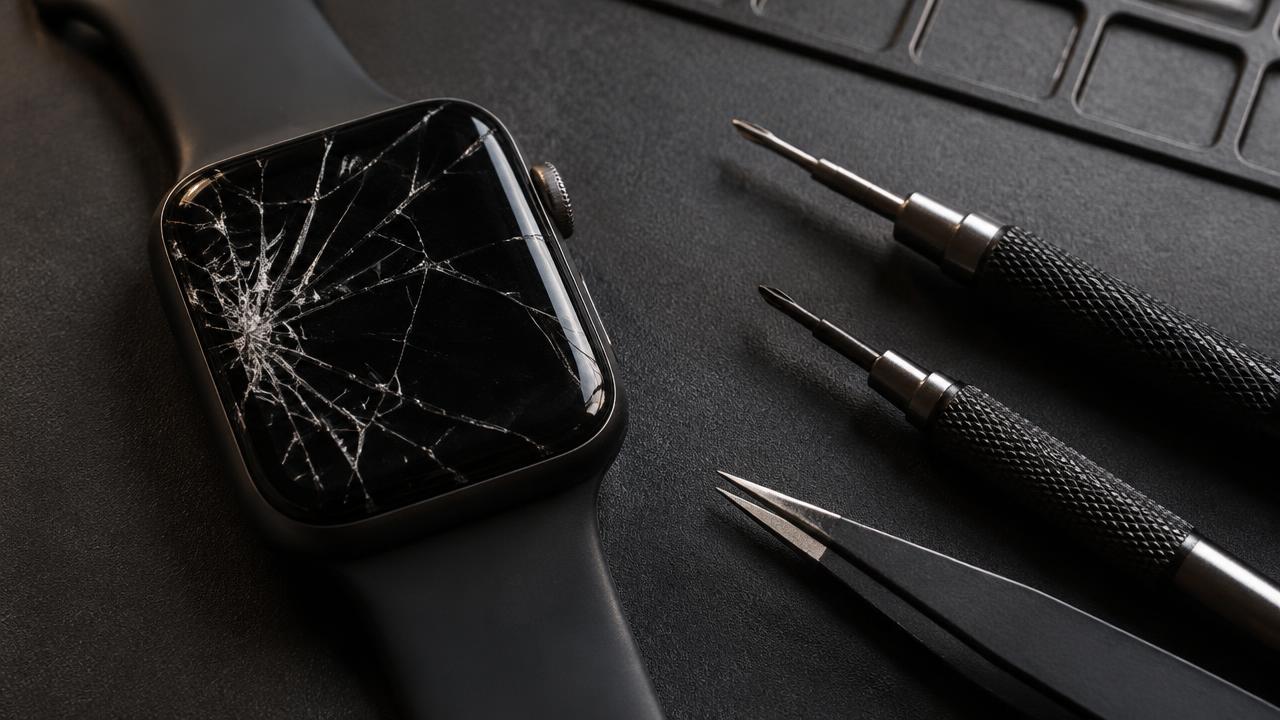
A cracked or lifted display can compromise the enclosure, so avoid exposing a damaged watch to water during cleaning. Stop charging if it is unusually hot or separating. Physical damage should be assessed before attempts to restore normal use.
What the repair team needs
Send the Series, SE or Ultra model and describe whether rotation, clicking or both have failed. Mention charging and touchscreen problems too. Opening a watch does not guarantee that its original water resistance can be restored.
When to arrange a diagnosis
If the problem continues after safe basic checks, a proper diagnosis is the best next step. It helps separate a replaceable part from a deeper board, power or software issue before any repair is approved.
Common questions
Can I lubricate a stuck Digital Crown?
No. Oils and solvents can damage the watch or leave residue inside it.
Will restarting fix a physically stiff Crown?
A restart can address some software behaviour, but it will not remove physical obstruction or repair impact damage.