iPhone guide
iPhone Keeps Restarting? How to Record the Fault
Check when your iPhone restarts, protect your data and distinguish app-related crashes from faults that need assessment.
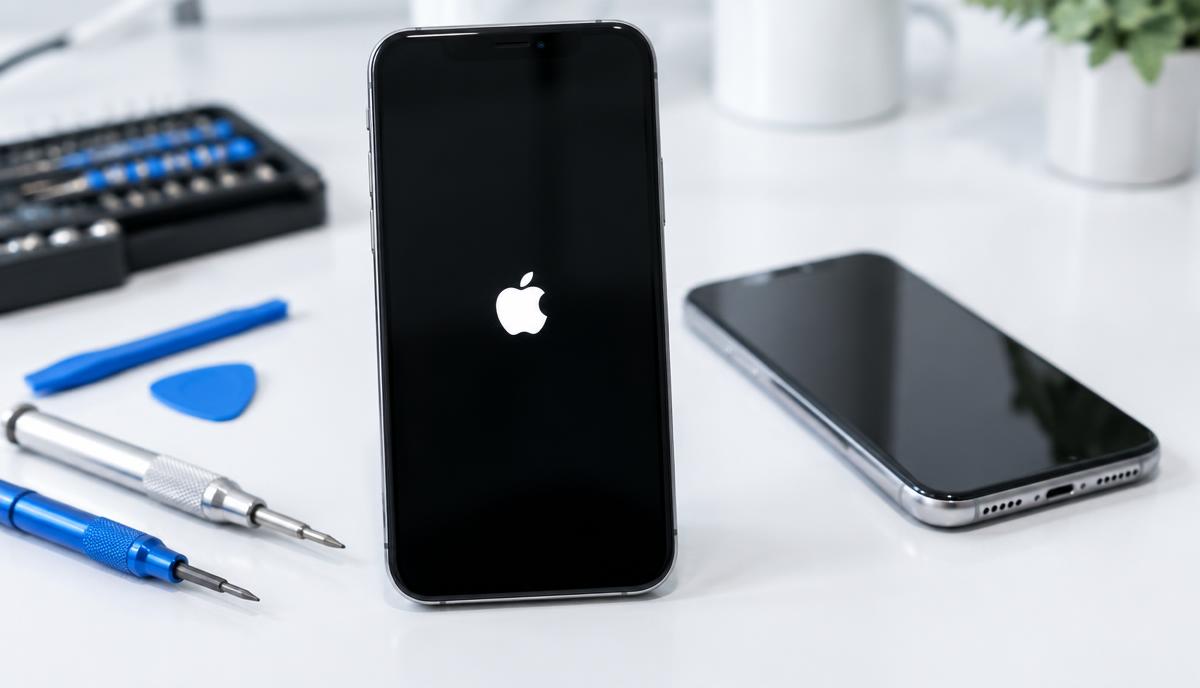
An iPhone that restarts occasionally during one app behaves differently from a phone caught in a continuous restart loop. Record the pattern before changing settings or approving a repair.
What the symptoms can mean
Restarts can accompany software problems, storage pressure, battery wear or hardware damage. A restart after a drop or liquid exposure is important history, but it does not identify a particular failed part by itself.
What to do next
Back up while the phone is stable. Note the battery percentage, app and charger in use when it restarts. Install a compatible iOS update only when the phone can remain powered and you have a backup.
One app or the whole phone?
If a single app closes but the Home Screen stays available, start with that app: check for updates and report the problem to its developer. If an Apple logo appears and the whole device restarts, describe that distinction to the repair team. It helps prevent an app crash from being mistaken for a power fault.
What to send with a repair enquiry
Include the iPhone model, iOS version if accessible, approximate restart frequency and any previous repair. Mention heat, screen lifting or liquid exposure. Stop charging a swollen or unusually hot device rather than continuing to reproduce the fault.
When to arrange a diagnosis
If the problem continues after safe basic checks, a proper diagnosis is the best next step. It helps separate a replaceable part from a deeper board, power or software issue before any repair is approved.
Common questions
Should I factory-reset a restarting iPhone?
Not as the first step when important data is not backed up. A reset erases data and cannot resolve every hardware fault.
Does restarting prove the battery needs replacement?
No. Battery, software and internal hardware issues can overlap; an assessment is needed before choosing a part.