MacBook guide
MacBook USB-C Accessory Not Detected
Test MacBook cables, hubs and ports safely when a USB-C drive, monitor or other accessory stops appearing.
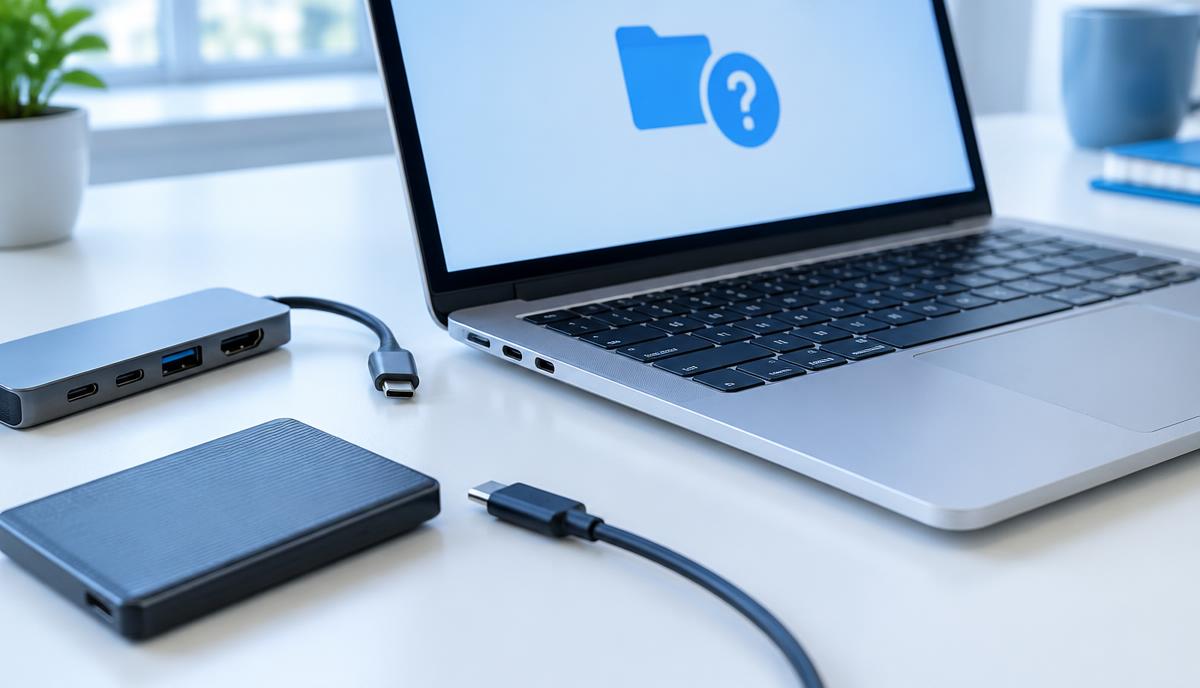
USB-C describes a connector shape, not a guarantee that every cable supports the same power, video or data features. A missing accessory may involve the cable, hub, device or Mac rather than the port alone.
What the symptoms can mean
A monitor that stays dark, a drive that disconnects and a charger that fails can have different causes. A fault affecting one port is useful information, while failures through one hub point to a different test path.
What to do next
Disconnect unnecessary accessories and try the device directly with a cable known to support its function. Test another suitable port and restart the Mac. Never force plugs into a visibly damaged socket.
Protect external-drive data
Do not format a drive simply because it fails to appear. If it reconnects, copy essential files before further testing and eject it normally. Repeated disconnects during file transfers should be recorded with the cable, hub and power arrangement in use.
When the Mac needs inspection
Share the MacBook model and which ports fail with which devices. Mention liquid exposure, a loose socket or unusual heat. Cable and accessory checks can be followed by port and board assessment; the symptoms alone cannot determine the repair cost.
When to arrange a diagnosis
If the problem continues after safe basic checks, a proper diagnosis is the best next step. It helps separate a replaceable part from a deeper board, power or software issue before any repair is approved.
Common questions
Can a USB-C charging cable always connect a monitor?
No. The cable must support the required video or data capability as well as fitting the connector.
Should I format a drive that is not detected?
No, not if it contains files you need. Formatting can erase data and is not an appropriate first diagnosis step.