Gaming guide
PS5 Controller Not Charging? Safe DualSense Checks
Check cable capability, console power settings and connector condition when a DualSense controller will not charge.
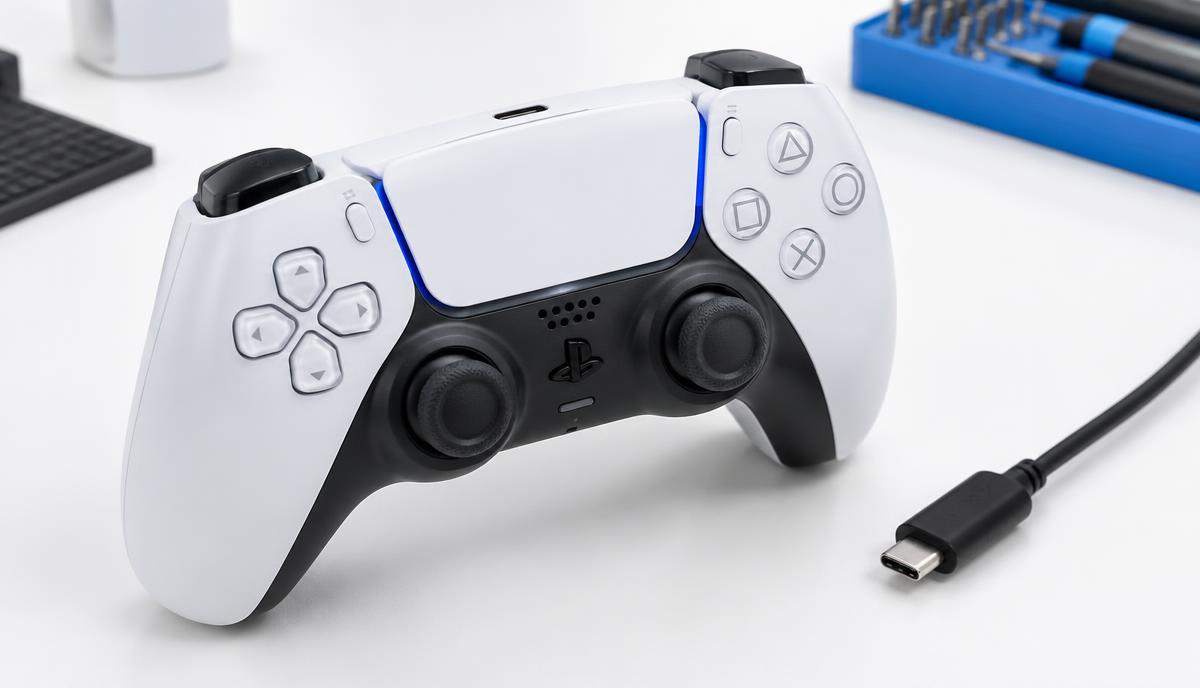
A DualSense controller can fail to charge because of its cable, power source, settings, connector or battery. Start with the accessories rather than assuming an internal part has failed.
What the symptoms can mean
Charging that stops when the cable moves suggests a connection issue. A controller that works while connected but quickly switches off after unplugging needs a different assessment from one that never powers on.
What to do next
Use a known-good compatible USB cable and a supported power source. Check the PS5’s USB power settings if charging in Rest Mode. Inspect the connector without inserting tools, and follow Sony’s model-specific reset guidance if needed.
Charging and connection are different tests
A cable may deliver power without supporting the data connection needed for some controller operations. State whether the controller charges, pairs and works while wired. If available, compare with another controller using the same cable and console port.
Requesting controller repair
Include the controller model, battery behaviour and any drop or liquid history. Port inspection and battery testing can determine the next step. Stop using a controller with unusual heat, swelling or a damaged charging cable.
When to arrange a diagnosis
If the problem continues after safe basic checks, a proper diagnosis is the best next step. It helps separate a replaceable part from a deeper board, power or software issue before any repair is approved.
Common questions
Can Rest Mode settings stop controller charging?
Yes. Check whether the console is configured to supply USB power in Rest Mode.
Does a charging fault always need a new battery?
No. Cable, power-source and connector problems should be ruled out first.