Samsung guide
Samsung Moisture Warning with a Dry Port
Understand a Samsung USB-C moisture warning, safe drying steps and when repeated alerts need charging-port assessment.
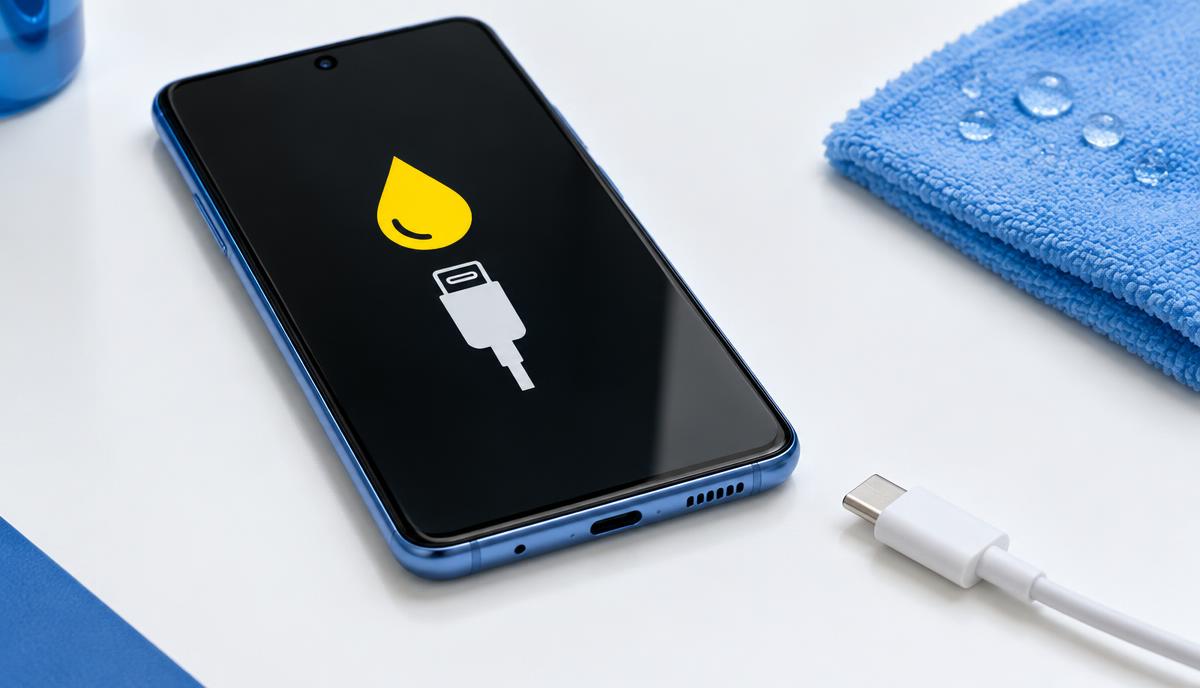
A moisture alert is a reason to disconnect the charging cable, even when the USB-C opening looks dry. Moisture, residue, cable contamination or a port fault can require different next steps.
What the symptoms can mean
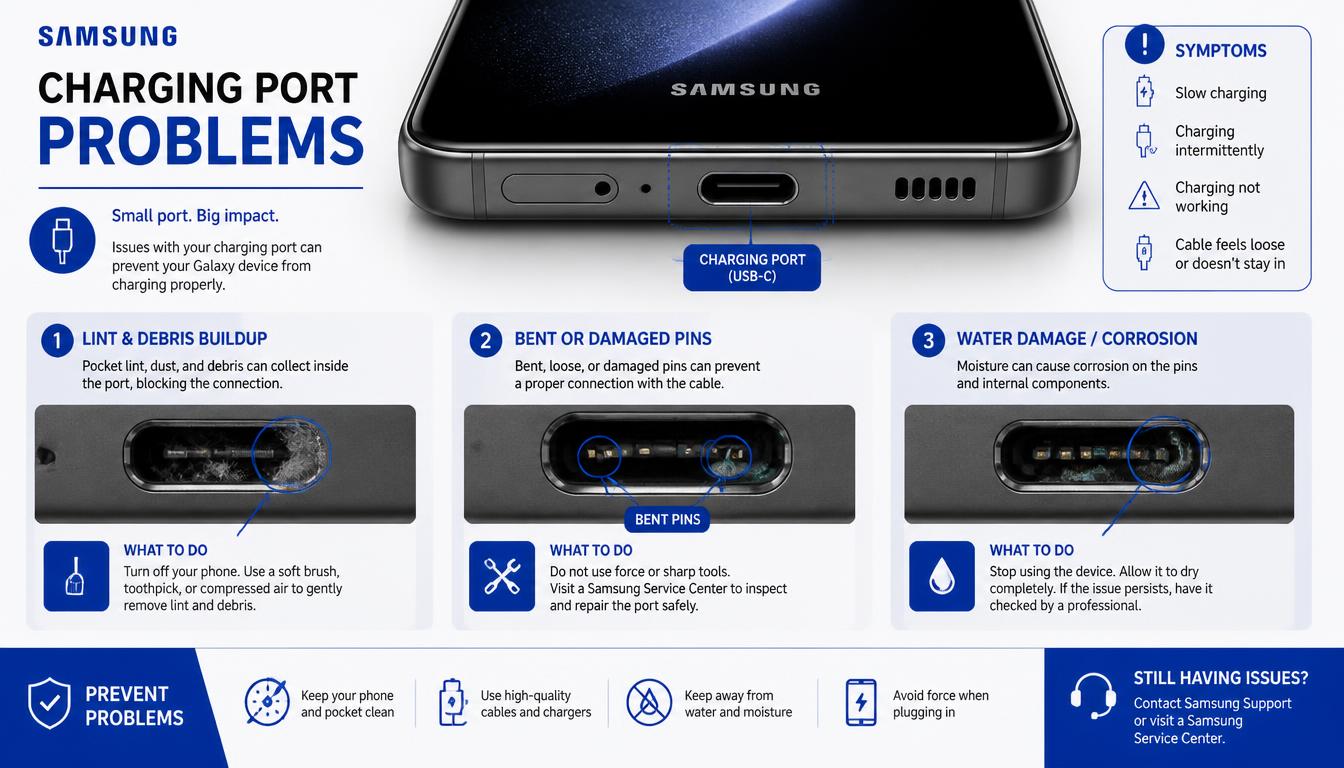
An alert after rain or humidity differs from one that appears every time a particular cable is connected. Corrosion or a damaged connector may also cause charging problems that persist after drying.
What to do next
Disconnect the cable and let the phone and connector dry naturally in a ventilated place. Do not insert objects, use a hairdryer or override the warning. Follow the charging guidance for your exact Galaxy model.
Check the cable as well as the phone
A wet or dirty cable can reintroduce contamination. Inspect it without connecting it, and stop using accessories with damaged insulation or discoloured contacts. Once everything is dry and the warning has cleared, a known-good compatible cable helps distinguish an accessory issue from a persistent phone fault.
Recurring warnings deserve inspection
Tell Fixora your Galaxy model, when the warning began and whether there was liquid exposure. Port inspection can look for residue and connector damage before recommending cleaning, a port assembly or further diagnosis. A moisture alert alone does not prove that replacement is needed.
When to arrange a diagnosis
If the problem continues after safe basic checks, a proper diagnosis is the best next step. It helps separate a replaceable part from a deeper board, power or software issue before any repair is approved.
Common questions
Can I force wired charging while the warning is active?
Do not bypass the warning. Disconnect the cable and follow the manufacturer’s drying guidance.
Does a dry-looking port rule out moisture damage?
No. Residue or internal contamination may not be visible from the outside.