TV guide
TV HDMI No Signal: Check the Source Before Repair
Work through TV input, HDMI cable and source-device checks before arranging television port or board diagnosis.
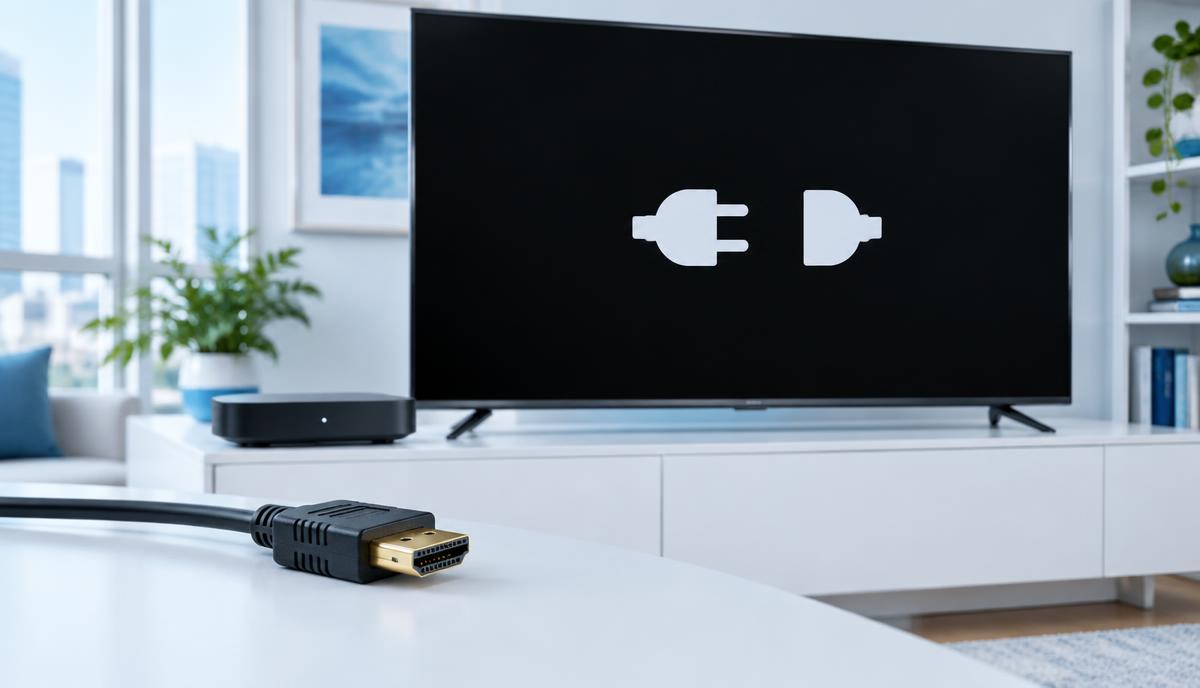
A No Signal message means the television is not receiving a usable signal on the selected input. It does not by itself prove that the TV panel or HDMI socket is broken.
What the symptoms can mean
One failing source device, one failing input and every input failing are different patterns. If the TV menu appears correctly, note that separately from whether connected content appears.
What to do next
Confirm the selected HDMI input and that the source is powered on. With equipment switched off, reconnect a compatible cable without force. Compare another cable, source or input one at a time.
Include devices between the source and TV
Soundbars, receivers, adapters and switches add more connections. If safe and supported by the equipment, a direct source-to-TV connection can help isolate the chain. Record the display mode and any recent settings change instead of repeatedly changing several settings together.
When to arrange TV port assessment
A visibly loose socket, bent connector or fault that persists across known-good sources deserves inspection. Send the TV model, affected input numbers and test results to Fixora. Do not open the television casing; internal power components can remain dangerous after unplugging.
When to arrange a diagnosis
If the problem continues after safe basic checks, a proper diagnosis is the best next step. It helps separate a replaceable part from a deeper board, power or software issue before any repair is approved.
Common questions
Does No Signal mean the TV screen needs replacing?
No. The input, source, cable and connection path should be checked first.
Should I open the TV to inspect HDMI wiring?
No. Internal TV diagnosis should be handled by a qualified technician.